
I found myself wanting to achieve something like this:
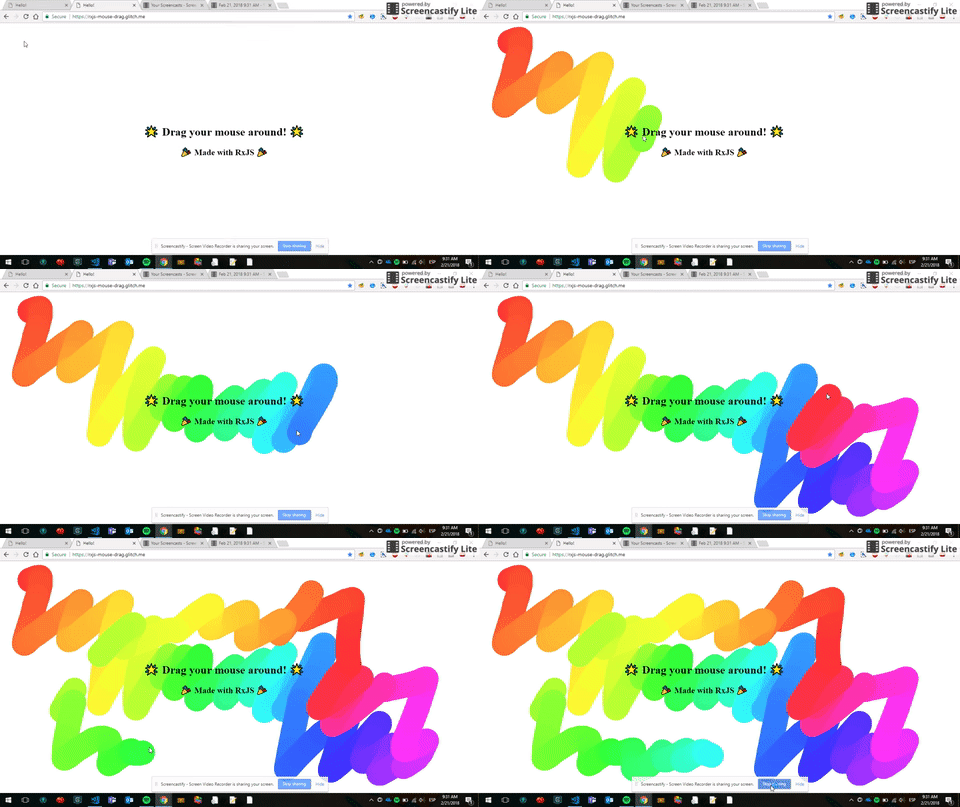
You can see the finished interaction above and follow the implementation step by step below. The original hosted demo and source project are no longer available.
What I needed to do
- 😊 Import RxJS
- 😉 Get the events from the mouse
- 😎 Draw a circle when the user drags the mouse
Simple right?
Not really.
1. Import RxJS
This is pretty straightforward. You just have to find a platform that allows you to add RxJS right away like this:
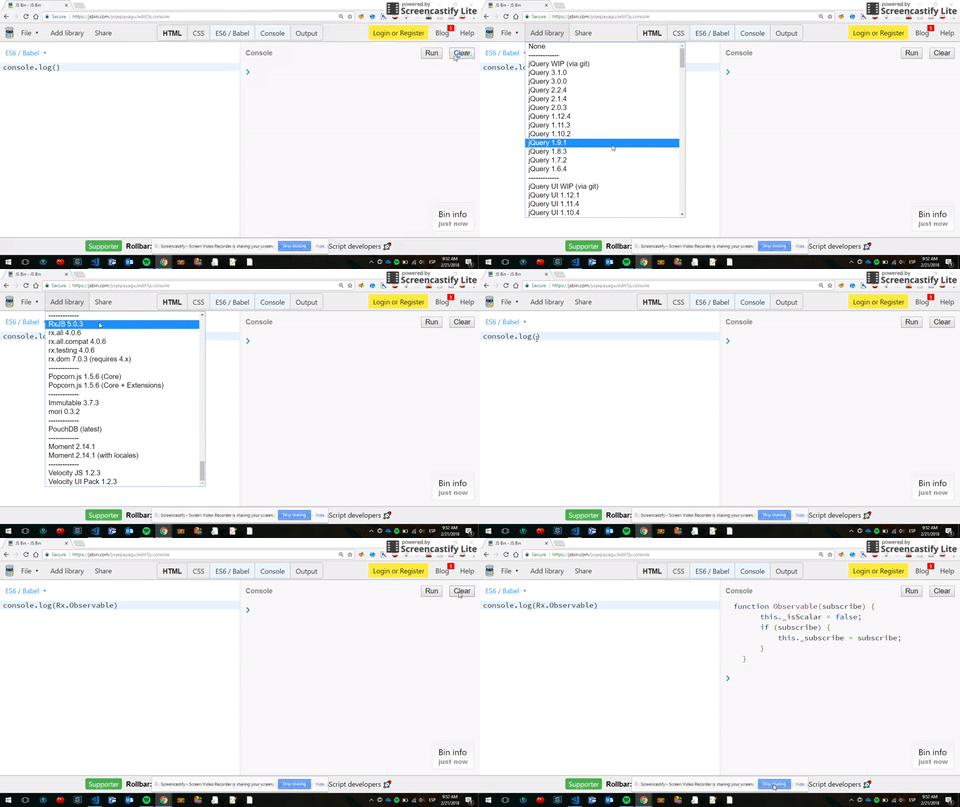
JS Bin
And although JS Bin was perfect for this, I wanted to use Glitch, which had a lot of cool features as well. In this case you'd have to find RxJS in a UMD format and import it in your index.html:
<script src="https://unpkg.com/@reactivex/rxjs@5.5.6/dist/global/Rx.js"></script>
Look at line #8.
2. Get the events from the mouse
This is when RxJS starts to shine 🌟🌟🌟
You might already know this, but you can easily capture events from the DOM by using the fromEvent() Observable operator:
const move$ = Rx.Observable.fromEvent(document, "mousemove");

move$.subscribe(console.log);
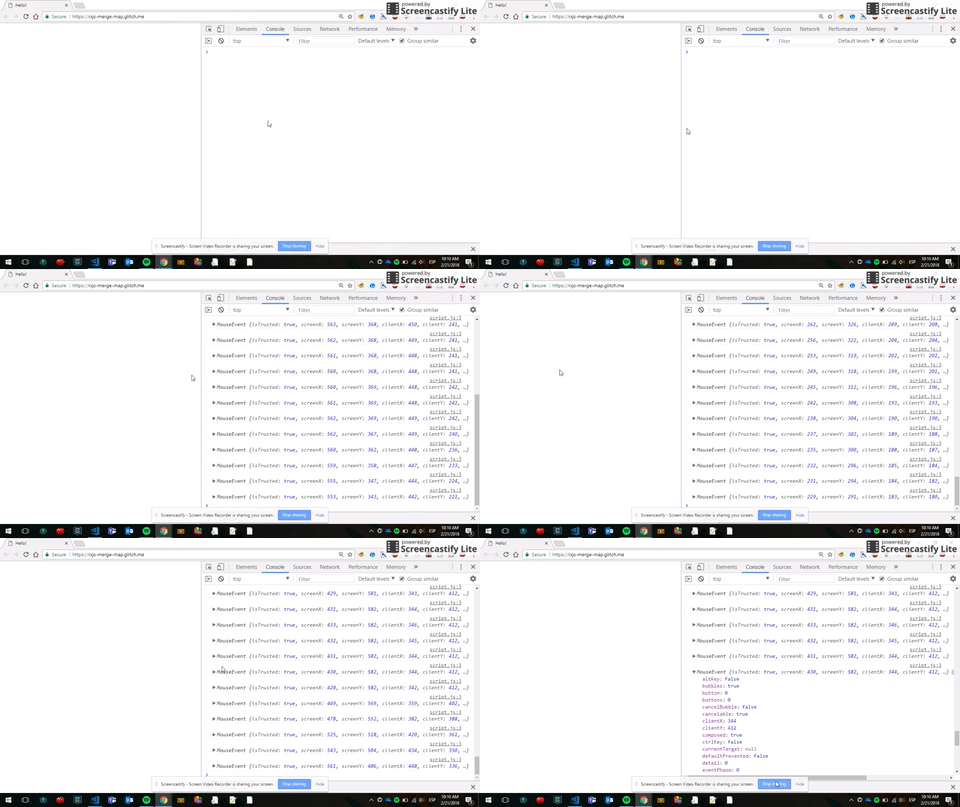
Which outputs the following information:
MouseEvent { isTrusted: true, screenX: 638, screenY: 373, ... }
This was my face after:
I actually have better hair.
Once the canvas.js script is added it would look like this:
move$.subscribe(drawCircle);
Which would draw a circle every time I move the mouse:
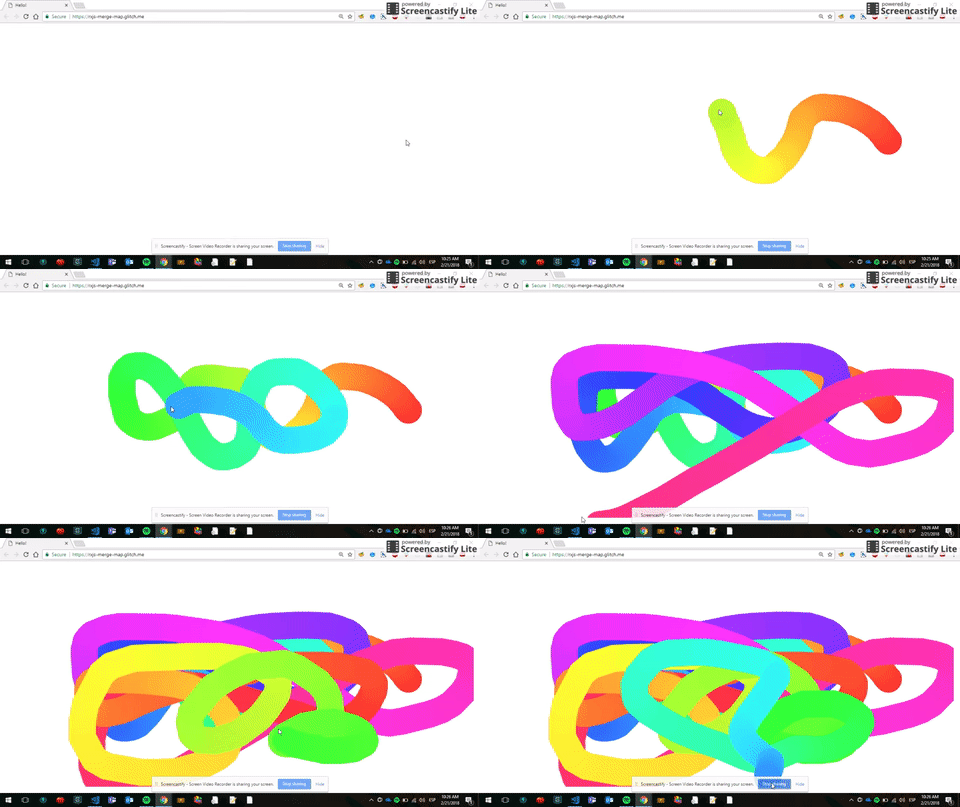
That there was a quantum leap! 😱 What's inside the canvas script? You might be wondering. Well, just Canvas drawing code. The original hosted source is no longer available, but the RxJS flow we are focusing on is all here.
Our app is drawing circles every time we move our mouse, but we need to draw circles only when the user is dragging the mouse (clicking and moving at the same time).
3. Draw a circle when the user drags the mouse
“Huh! This should be simple” I said.
This is what I needed:
- Create observables for two more types of events:
mousedownandmouseup(so we could achieve the drag effect). - Make sure the emissions of our first observable (
move$) started when themousedownobservable emitted. - Make sure the emissions of our first observable (
move$) stopped when themouseupobservable emitted.
Simple right?

Not really.
My first approach to this problem was to use RxJS operators skipUntil and takeUntil to achieve the desired behavior.
We would skip every move$ emission until the down$ observable emitted. And then would take every move$ emission until the up$ observable emitted. This is how it looked:
const move$ = Rx.Observable.fromEvent(document, "mousemove");
const down$ = Rx.Observable.fromEvent(document, "mousedown");
const up$ = Rx.Observable.fromEvent(document, "mouseup");

move$.skipUntil(down$).takeUntil(up$).subscribe(drawCircle);
And it worked! 🎉
…
Just once 😢😢😢
It turns out that when the takeUntil() operator is applied, the observable completes, which means that no more emissions will be received (after the user releases the click button).
Uhmmm 🤔🤔🤔
Unless you use the repeat() operator to keep the subscription alive! 🎉🎉🎉
move$.skipUntil(down$).takeUntil(up$).repeat().subscribe(drawCircle);
And it worked! 🎉
…
In a very awful way 😢😢😢
While in the first place it allows me to keep the Observable alive, it repeats the events indefinitely which looks like an overkill.
To quote Matthew Podwysocki:
“RxJS has so many ways to get the same answer”
Here is when Matt and Cédric gave me a hand. They helped me spot a different way to achieve it using the mergeMap() operator.
My first glance at it.
I didn't really understood how it worked until I watched this video and played with its jsfiddle: If you type in the first box nothing will be emitted until you type in the second box 👇👇👇
We don't want to draw anything until the user has clicked. So we can use the mergeMap operator here (which achieves the same result as skipUntil above):
down$.mergeMap(() => move$).subscribe(drawCircle);
BUT this time the inner observable (a.k.a. move$) will re-subscribe every time the outer observable (a.k.a. down$) emits.

Exactly!
That means we can use the takeUntil operator safely. Because the overall observable will remain alive! 💚
down$.mergeMap(() => move$.takeUntil(up$)).subscribe(drawCircle);
Line #10.
Yes, that's it. To achieve mouse dragging you just need mergeMap and takeUntil 😉
I hope this post was helpful to you. If you have any question or feedback, put it in the comments. I reply to all of them! 👇👇👇
Thanks for reading. The complete implementation is included in the examples above.
Thanks to Matt and Cédric again, they were super collaborative and helpful!